
AI in Odoo 20: New Features, AI Credits, and What Businesses Should Know
Odoo 20 has introduced something businesses should know before they start using its new AI features. AI now requires paid credits.
According to the Odoo 20 release notes, all AI features require credits purchased through Odoo's In App Purchase (IAP) system.
That changes the conversation around AI in Odoo.
Because alongside the new credit requirement, Odoo 20 introduces some genuinely useful capabilities. AI agents can now create and update business records, work with documents, participate in automated workflows, and help users interact with information inside Odoo.
For businesses already using Odoo, these features could reduce a significant amount of repetitive work.
But there are two questions worth asking.
- What can AI actually do for your business?
- And how much will it cost to use regularly?
Let's look at both.
What’s New With AI in Odoo 20?
There are quite a few additions, but these are the ones worth paying attention to.
1. AI agents can create and update records
Instead of manually entering information, users can ask an AI agent to create or update records in Odoo.
For example, a purchasing team could provide a document containing supplier information and ask an agent to create the relevant records. A warehouse manager could ask an agent to update information on existing inventory records.
The important difference is that AI is no longer limited to explaining what needs to happen. It can help carry out the work, subject to its configured permissions.
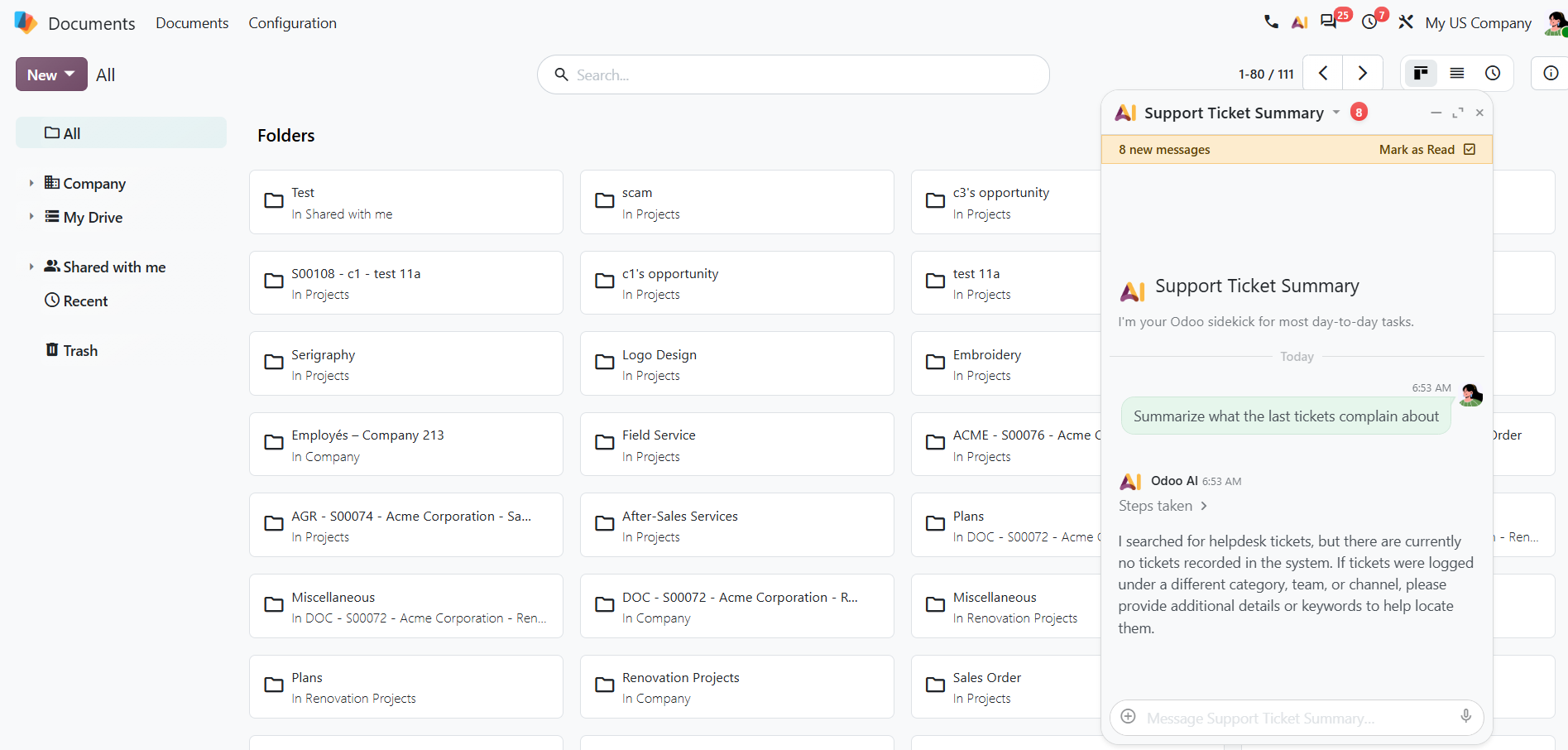
2. AI agents can work with your documents
Odoo 20 allows users to upload files, ask questions while previewing documents, and provide files containing instructions.
Think about a purchasing manager reviewing a supplier document or a finance team working through a lengthy PDF.
Instead of searching through the entire file, they can ask specific questions and get the information they need.
3. AI agents can participate in automation
This is one of the more interesting additions.
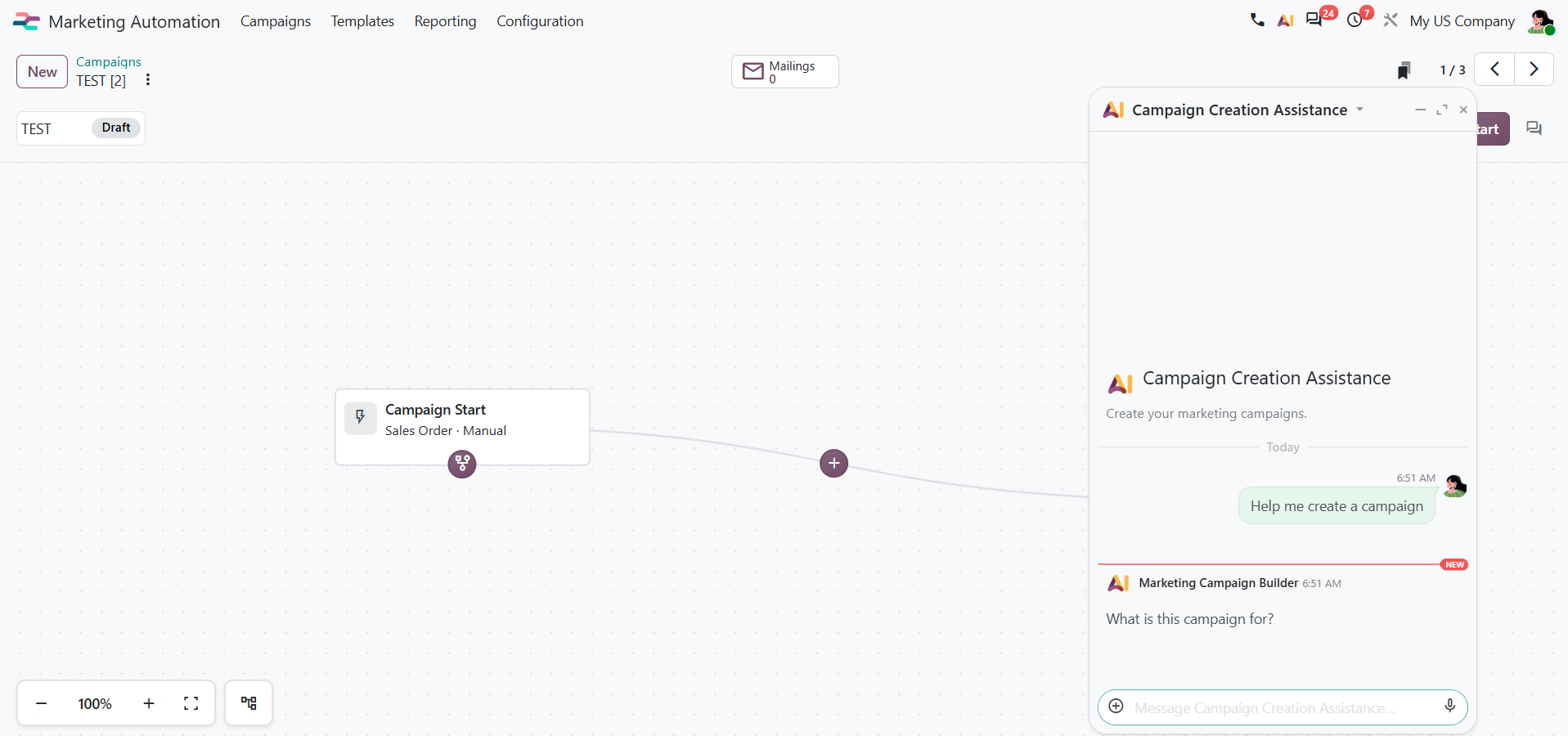
AI agents can now be triggered by automated and scheduled actions. They can also adapt their behavior based on their assigned use cases.
For businesses managing repetitive processes, this opens up opportunities to reduce manual intervention.
An agent could be configured to review records as part of a scheduled process and identify information that needs attention. The exact actions depend on the automation and permissions configured.
4. AI can help users work with business data
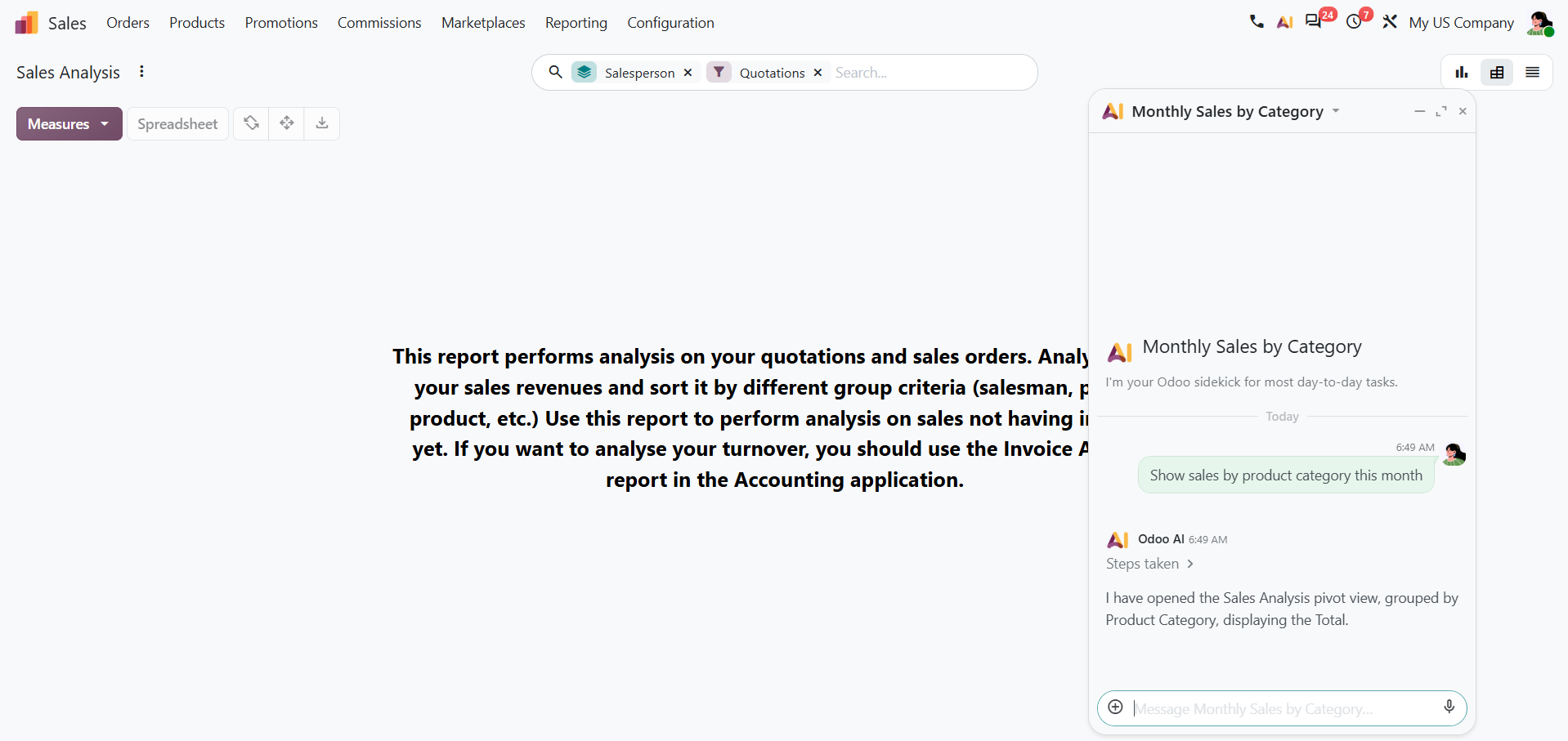
Odoo 20 introduces time period filtering for AI agents when building views.
A manager could request a view of recent sales activity or examine records for a specific quarter without manually setting every filter.
It is a small improvement, but one that can make everyday reporting easier.
5. AI interactions are becoming easier to manage
Odoo 20 also introduces several improvements that make AI agents more practical:
- Live feedback showing what an agent is doing.
- Interactive buttons for questions and permission requests.
- Automatic AI model selection based on the task.
- Stored agent conversations for up to 30 days.
- The ability to reprocess sources to use updated information.
- Voice requests and richer record previews in live chat.
- Database connectivity through Model Context Protocol (MCP).
These changes make AI interactions easier to follow and give users more control over how agents work.
What Does This Mean for Businesses Using Odoo?
The opportunity is not to automate everything.
It is to identify the repetitive work that consumes time without adding much value.
For manufacturers, that might mean making production information easier to find. For inventory teams, it could mean reviewing records and supporting routine updates. For finance teams, it could mean working through documents and reducing manual data entry.
But there is an important distinction.
AI does not automatically make a bad process better.
If your inventory records are inaccurate, your approval rules are unclear, or your data is inconsistent, giving an AI agent access to those processes will not fix the underlying problem.
Start with reliable data, clear permissions, and a process that already makes sense. Then decide where AI can help.
One other thing to know: Odoo 20's release notes state that AI features require credits purchased through In App Purchases (IAP). Businesses should consider usage costs before scaling AI across their operations.
Should You Start Using AI in Odoo 20?
Yes, where it solves a specific problem.
The most useful starting point is a task your team performs repeatedly, with clear rules and a measurable result.
Odoo 20 gives businesses more ways to put AI to work. The value will come from choosing the right processes, not simply turning on more features.
At Silverdale, we help businesses make Odoo work the way their operations actually need it to.
If you are planning an Odoo 20 upgrade or want to understand where AI could make a difference in your existing workflows, book a conversation with our Odoo team.
Want to know how Odoo 20 compares to your ERP or current version?
Share your details and we'll be in touch.
AI in Odoo 20: New Features, AI Credits, and What Businesses Should Know